Service value is hard to show
Software, engineering, and project work need a clear visual story before customers can understand the outcome.
JIUMAI GLOBAL DEMO · AI CAMPAIGN STUDIO FOR SERVICE-LED BUSINESSES
Turn software services, engineering projects, and promotional-film briefs into clear, campaign-ready images and videos—using your project materials and existing footage. Launch products and keep everyday content moving in the same workflow.
SERVICE CAMPAIGNS • PRODUCT LAUNCHES • ALWAYS-ON CONTENT
Digital media creation only—not on-site filming. Sign in required; capability availability and server-side quote apply.
 CAMPAIGN OPERATIONS
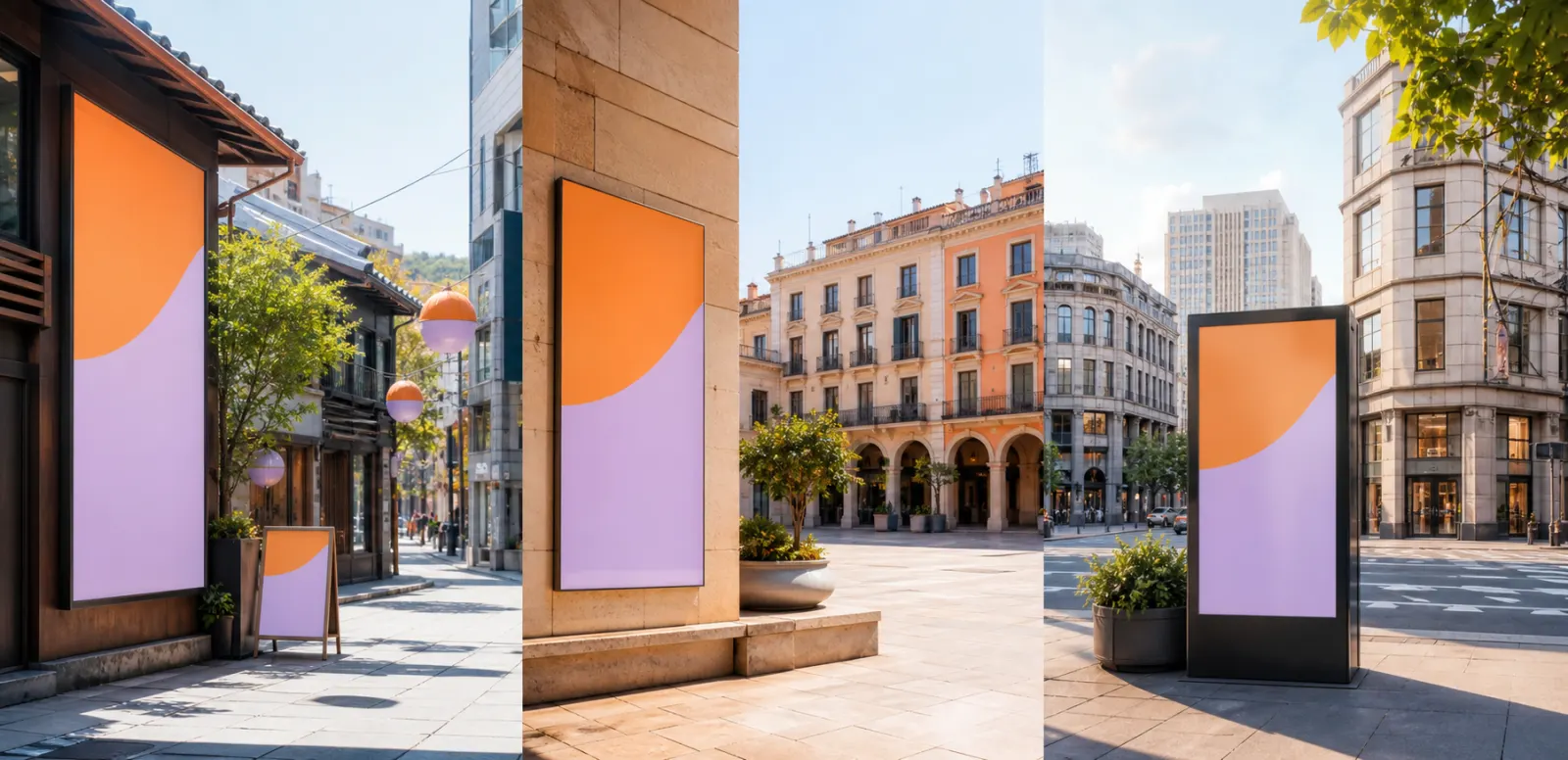 REGION-READY
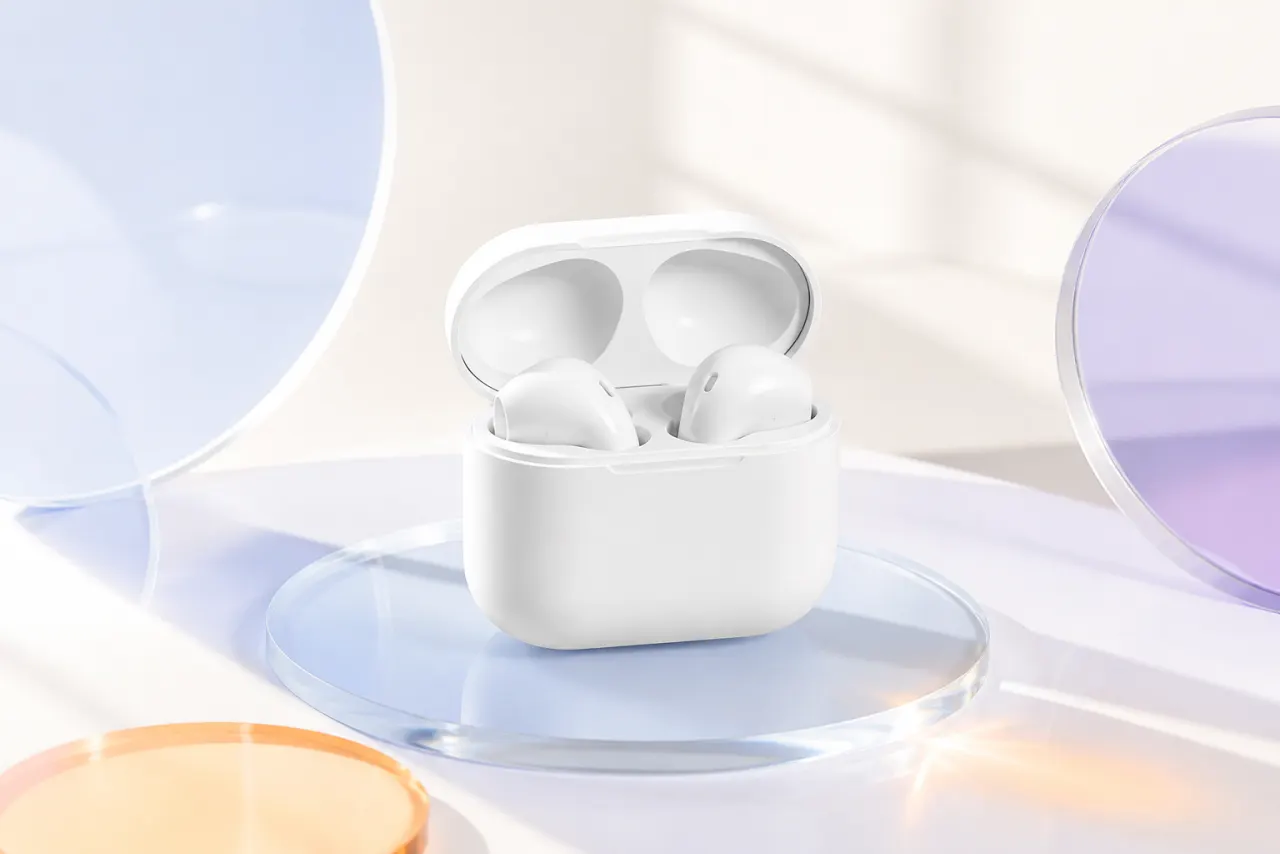 PRODUCTS TOO
THE CONTENT GAP
Different channels, formats, languages, and local expectations can turn one simple brief into a long production queue.
Software, engineering, and project work need a clear visual story before customers can understand the outcome.
A direct translation may miss the tone, setting, or proof that makes an offer feel relevant.
One message needs to become feeds, stories, explainers, promotional films, and sales materials.
Every new audience or channel can trigger another round of briefing, resizing, and rework.
ONE CREATIVE WORKSPACE
Start with a prompt and optional reference media. Choose an available image or video capability, set the format, and keep completed work together in your creative library.
Use your product, interface, location, team, or project as visual context.
Direct the concept for a selected market, audience, language, channel, and aspect ratio.
Create related image and video directions from one brief while preserving the facts and brand cues you provide.
JIUMAI generates creative assets. It does not publish campaigns, buy media, verify every claim, or guarantee performance. Review all facts, rights, and local requirements before use.
BUILT FOR SERVICE-LED GROWTH
Give software, engineering, local services, and physical products a visual story people can understand.
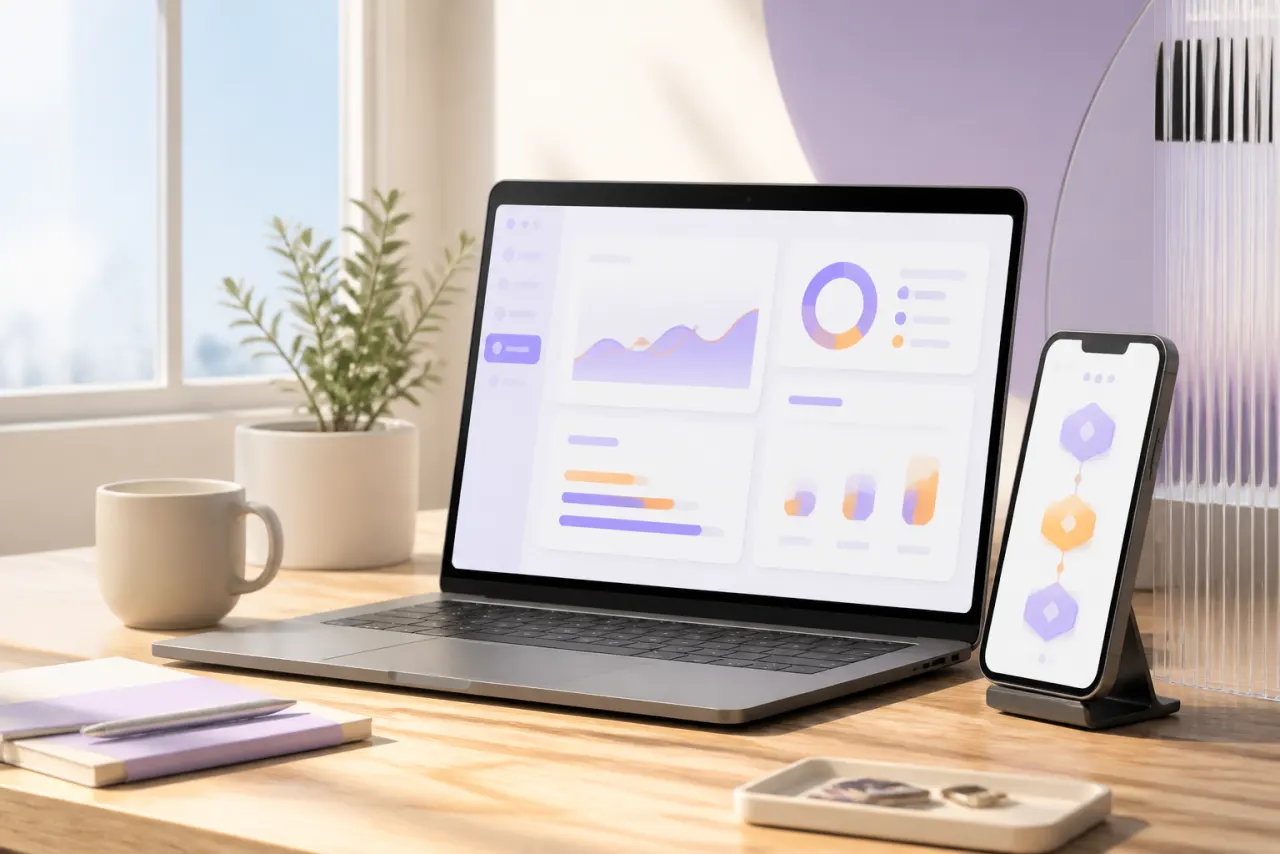
Visualize the workflow, user outcome, and local use context for SaaS, apps, and digital services.
Feature launch • Explainer • Use case • Onboarding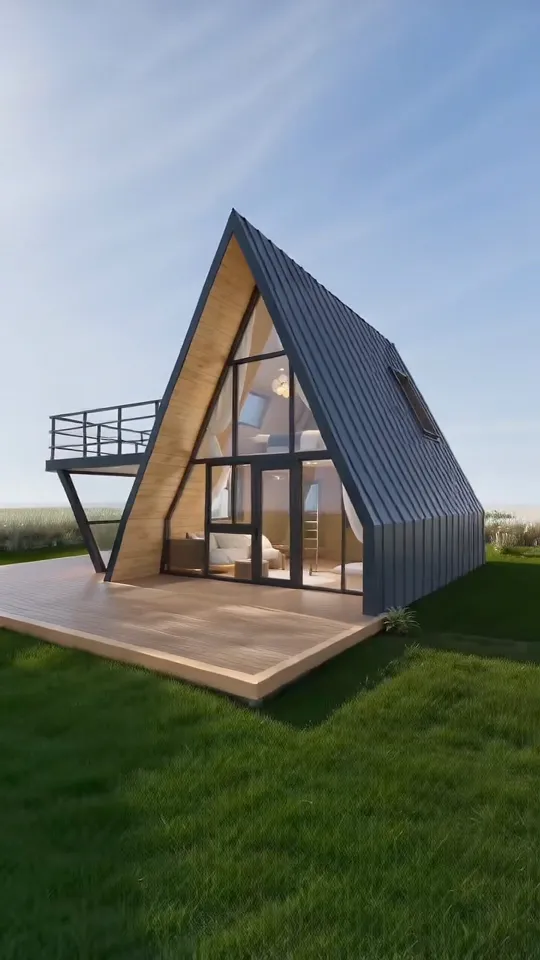
Translate plans, milestones, site activity, and completed outcomes into clear project updates and business-facing content.
Capability overview • Milestone • Site story • Project recap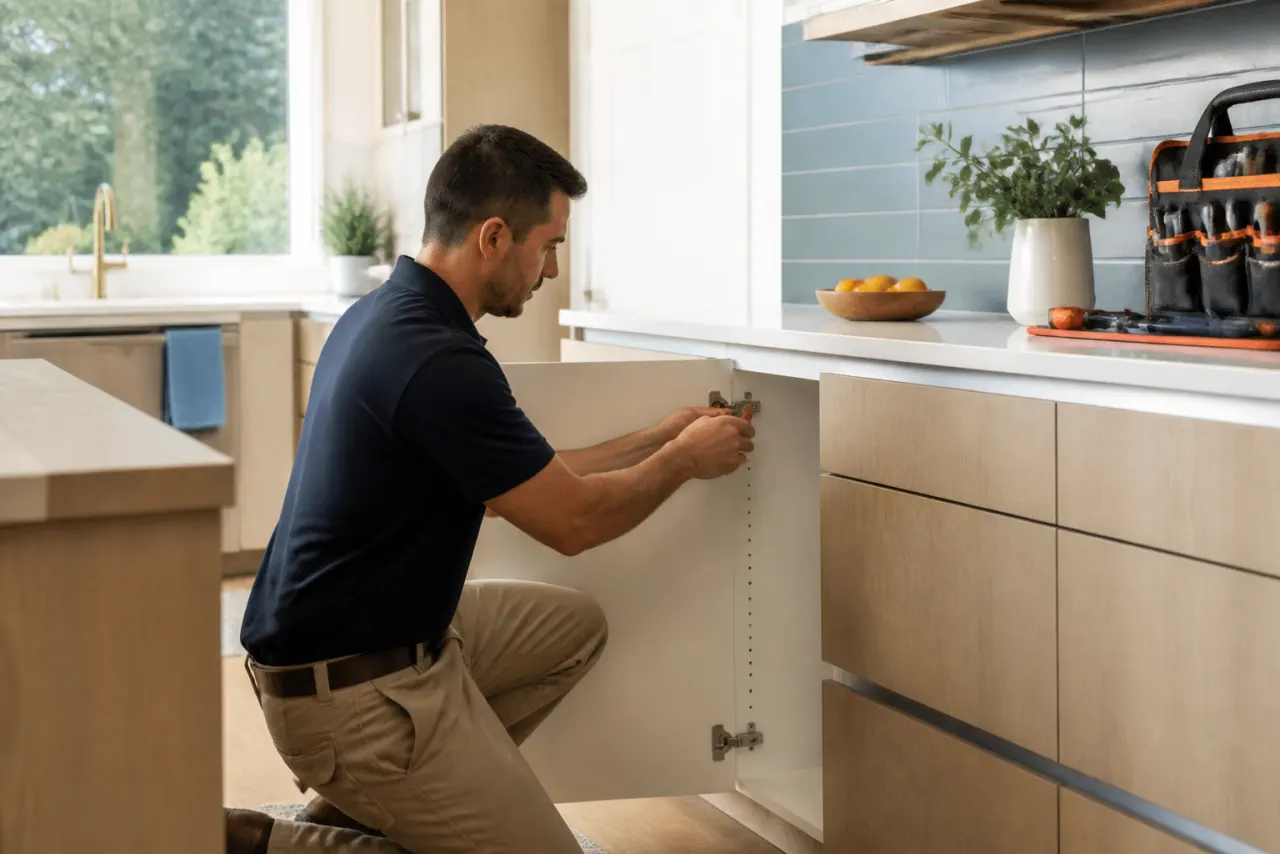
Show the people, process, place, and before-to-after narrative behind maintenance, renovation, cleaning, and home services.
Service overview • Process • Before/after • Local socialTurn packshots and product details into listing visuals, social cutdowns, launch concepts, and campaign variations.
Marketplace • Social • Display • Product story3 million plus historical Facebook Reels viewsFEATURED CASE • TRIANGLE HOUSE
Selected moments from the Triangle House project were edited into concise social clips that foreground the space, atmosphere, and reasons to keep watching.
Historical reach for this featured case; results vary.
Only brief highlights are shown here. The full project and private account information are not displayed.
LOCAL CONTEXT, BUILT IN
Create directions for the market you choose by adjusting language, people, setting, offer framing, channel, and format while keeping your approved facts consistent.
From a Kuala Lumpur software launch to a local home-service story, name the audience, language, setting, and channel in your brief.
HOW IT WORKS
Describe the product, service, audience, market, channel, and action you want the content to support. Add approved reference media when useful.
Select an available image or video capability, aspect ratio, quantity, duration, and resolution. Request the current quote before generating.
Create the assets, check facts and rights, then keep completed work in your library for download and future creative briefs.
OUR AI SERVICES
JIUMAI is an online AI creative platform operated by HK JIUMI TECHNOLOGY LIMITED. Our principal business is generating digital images and videos from your briefs and supported reference materials, with an account library to review and download completed work.
Create product visuals, service illustrations and marketing concepts from text descriptions and supported reference images. Choose the available aspect ratio and quantity before generation.
Create short digital clips for product demonstrations, service introductions and promotional content. Available duration, resolution and reference inputs are shown for each capability.
Images: PNG, JPG, WebP. Video workflows may also accept MP4, MOV, and WebM references.
Completed images and videos remain visible for review, download, and future briefs.
Exact encoding, dimensions, duration, resolution, availability, and limits are shown in the studio for the selected capability. All deliverables are digital; no physical goods are shipped. Read our full service description.
CLEAR BEFORE YOU CREATE
Every connected generation requires a server quote in JIUMAI Credits before a real job and hold can be created.
Request the current server-side quote for your selected capability and settings before submitting.
Real Huifu acquiring remains disabled while risk review and production integration are incomplete.
Review facts, rights, brand details, and local requirements before using any generated asset.
Create an account with your email and password, then verify your email to activate it. Registration availability is shown on the sign-up page.
Product Sets are temporarily unavailable during demo stabilization. Payments, top-ups, memberships, and subscriptions are unavailable while our payment provider completes risk review.
YOUR NEXT BRIEF CAN START HERE
Bring the product, service, audience, and market. Build the reviewable image and video directions in one focused workspace.
Start creatingSign in required. Capability availability and server-side quote apply.